PhotoCraftResources & TutorialsA free, open-source Photoshop alternative
PhotoCraft is the image editor in the ArtCraft creative suite, written from scratch in pure Rust. It supports layers, masks, adjustment layers, layer styles, text, vectors, brushes, and real PSD files. This site brings together downloads, install guides, feature introductions, and a full PhotoCraft vs Photoshop comparison.
All PhotoCraft installers are published on GitHub Releases, officially built by the ArtCraft team and accompanied by a SHA256SUMS.txt checksum file. This site does not repackage anything — it only links directly to the official source, so your download is safe and trustworthy.
Need an older version? Go to all PhotoCraft releases. The version number in the filename updates with each release.
Install
PhotoCraft Installation Guide
Pick the guide that matches your system. All steps are adapted from ArtCraft’s official release notes.
1
Open the latest GitHub Releases page and find photocraft-<version>-windows-x64.msi under Assets (choose arm64 for ARM devices).
2
Double-click the .msi installer and follow the wizard; or download the portable.zip, extract it, and run directly.
3
The installer is code-signed. If SmartScreen prompts you, confirm the publisher and click “Run anyway”.
4
Launch PhotoCraft from the Start menu and open a PSD or image via File › Open to start editing.
For 32-bit legacy PCs, choose the windows-x86 build.
# PowerShell: verify the download against SHA256SUMS.txt
Get-FileHash .\photocraft-*-windows-x64.msi -Algorithm SHA256
Try it online
Online image editor: try PhotoCraft-style editing first
No install required to get a feel for it. Upload or drop in an image, adjust brightness, contrast, saturation, hue and blur, apply preset filters, rotate or flip, then export as PNG. Everything runs locally in your browser — images never leave your device. For full layers, masks, and PSD editing, download the PhotoCraft desktop app.
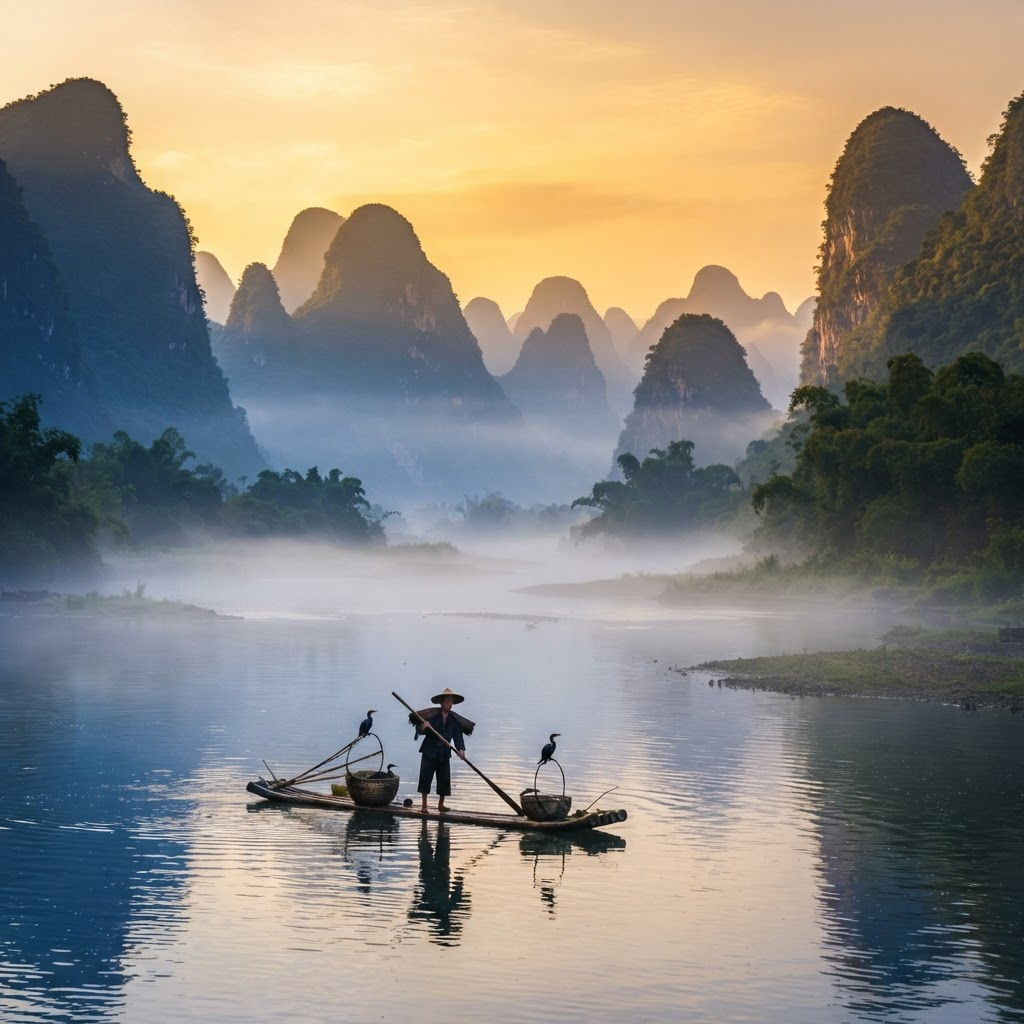
Li River Dawn.png @ Fit window (RGB/8)PhotoCraft Web demo
Presets
Adjustments
100%
100%
100%
0°
0px
0%
0%
0%
Features
PhotoCraft core features
Menus, shortcuts, panels, and tools sit exactly where you expect them — if you know Photoshop, you know PhotoCraft. A wgpu-based GPU compositor (Metal / Vulkan / DX12 / WebGPU) and multithreaded filters run natively, fast, and without Electron.
Non-destructive adjustment layers
16 adjustment layers: Curves (per channel), Levels (live histogram), Vibrance, Hue/Saturation, Black & White, Channel Mixer, Gradient Map, Selective Color, Color Lookup (.cube / .3dl) and more — original pixels are never altered.
Full layer system
Layer groups, clipping masks, pixel and vector masks, fill layers, smart objects and smart filters, 27 blend modes, opacity and fill, locking and color labels.
Layer styles
Drop shadow, inner shadow, outer glow, inner glow, bevel and emboss, satin, stroke, and color/gradient/pattern overlays — applicable to text layers and read back faithfully from PSD.
Smart selections
Marquee, lasso, magic wand, plus quick selection, object selection, select subject, and “Select and Mask”. Smart selections run locally — no cloud, no account.
Typography
Point and paragraph text edited directly on the canvas with full character and paragraph panels; text layers stay editable, can take styles, and round-trip through PSD.
Pixel-precise vectors
Rectangle, ellipse, polygon, line and pen tools, shape boolean operations, paths panel, vector masks. 116 shape layers in the test suite match Photoshop pixel-for-pixel.
True PSD support
Open, edit, and save PSD / PSB with 8/16/32-bit, CMYK and Lab support. Of 309 files in the psd-tools test suite, 307 render identically after re-saving.
CLI & AI agents
500+ commands share one registry, drivable from the UI, CLI, JSON control channel, or an MCP server — batch-process an entire folder with ease.
To be honest: PhotoCraft already covers most of Photoshop’s feature surface, but the team explicitly states it cannot yet replace Photoshop for day-to-day professional work. It suits users on a budget, who value open source and privacy, or who need to work with PSD on Linux.
PhotoCraft vs Adobe Photoshop feature comparison
Topic
PhotoCraft
Adobe Photoshop
Price
Supported:Completely free
Not supported:Monthly / yearly subscription
Open source & license
Supported:Dual MIT or Apache-2.0, source available
Supported:CLI, JSON control channel, MCP, 500+ commands
Supported:Actions, UXP / ExtendScript scripting
Generative AI
Not supported:No generative fill yet, only local smart selections
Supported:Firefly generative fill and expand
Plugin ecosystem
Not supported:Not yet compatible with Photoshop plugins
Supported:Mature third-party plugin ecosystem
Maturity
Partial:Early Alpha, ~20 tools still missing
Supported:Industry standard for over 30 years
Choose PhotoCraft if you…
Want a free, open-source, offline photo editor; run Linux or FreeBSD; need to open and edit PSD files others send you; or want to batch-process images from the command line or via an AI agent.
Stick with Photoshop if you…
Depend on generative fill and other AI features, rely on specific third-party plugins, or need a stable, mature, full professional workflow for commercial deliverables.
Tutorials
PhotoCraft tutorials
From interface basics to command-line batch processing — tutorials organized by difficulty to help you migrate smoothly from Photoshop.
Beginner
Getting to know the PhotoCraft interface
The toolbar on the left, options bar on top, and Layers/Adjustments/History panels on the right mirror Photoshop’s layout.
Press ⌘K / Ctrl+K to open the command palette and run any command by name.
Switch between the dark Pro, light Studio, or Classic themes.
Beginner
Non-destructive color grading with adjustment layers
Click “Create new adjustment layer” at the bottom of the Layers panel and pick Curves or Levels.
Drag control points in Curves to lift midtones; switch to R/G/B to adjust channels individually.
Paint with black on the adjustment layer mask to apply the effect only locally.
Intermediate
Selections, masks, and cutouts
Use Select › Subject to pick out a person in one click — smart selections run locally.
Enter “Select and Mask” to refine hair edges and adjust feather and smoothness.
Click “Add layer mask” to turn the selection into a mask you can edit anytime.
Intermediate
Opening and saving PSD files
File › Open loads PSD / PSB directly — layers, styles, and text are preserved.
Unsupported data blocks are kept as-is and never lost on save.
Use “Export As” to choose format, quality, and scale with a live file-size estimate.
Advanced
Command-line batch processing
Use photocraft-cli run to open a file, execute commands, and output the result.
Save a set of actions as JSON and process a whole folder with the batch subcommand.
Run photocraft-cli mcp to let an AI agent drive PhotoCraft.